
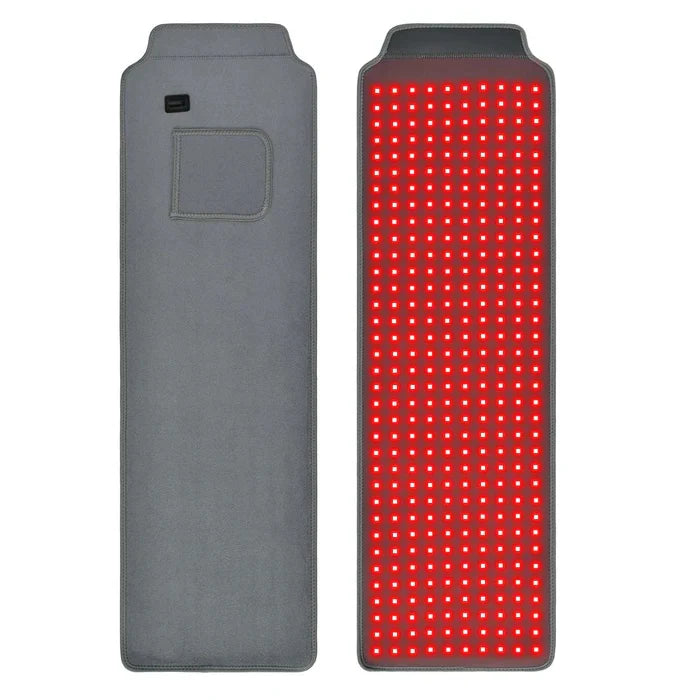

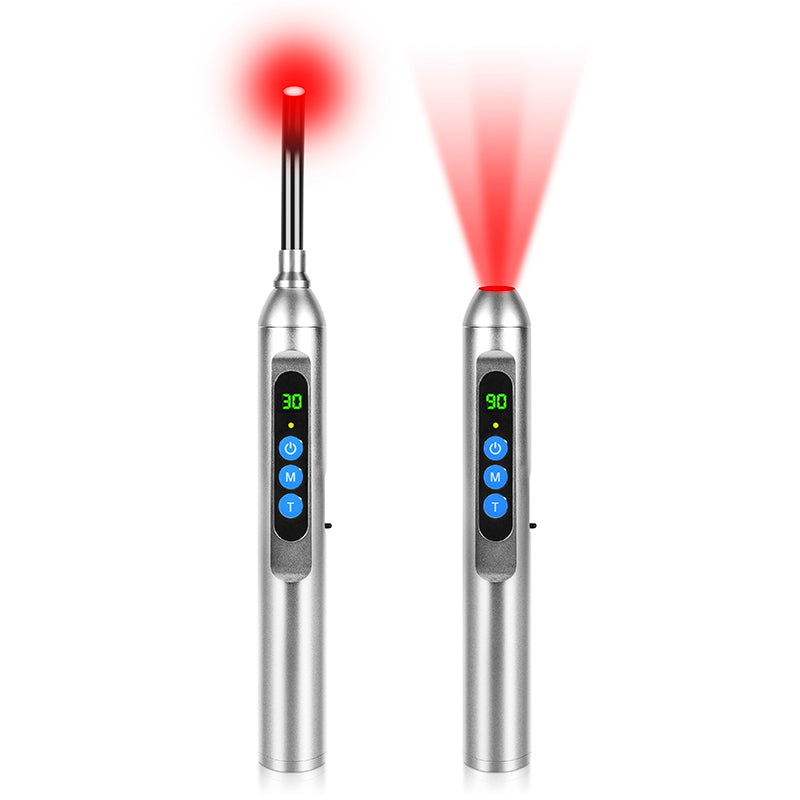

A home wellness device usually gets ignored for one reason. It feels annoying to use when real life gets busy. The timer takes too many steps, the controls are awkward from bed, or the app adds one more thing to check at night. That is why control style matters so much in red light therapy. The right interface can make sessions feel easy and repeatable. The wrong one can quietly break the habit before results ever have a chance to show up.
How Do You Actually Use Red Light Therapy at Home?
The smartest way to shop is to picture the session before you picture the product. A quick evening routine at a bathroom counter feels very different from a longer session in bed, on a sofa, or in a home gym. The control style should fit the room, the body position, and the time of day. That simple rule helps people narrow down home red light therapy devices much faster than comparing features in isolation.
Choose the Body Area and Session Style First

Different devices are built for different goals. Small formats make sense for facial skincare or scalp use. Larger devices are more practical for broader coverage. That sounds basic, but it prevents one of the most common buying mistakes. People choose a device that looks impressive, then realize it does not match the area they actually want to treat.
The same logic applies to session style. Some users want a fast, low-friction routine before work. Others want a slower wind-down session at night. If your habit is built around speed, the best home red light therapy device for you may be the one with the fewest steps. If you prefer presets and routine tracking, a more connected setup may feel better over time.
Think About Placement Before Specs
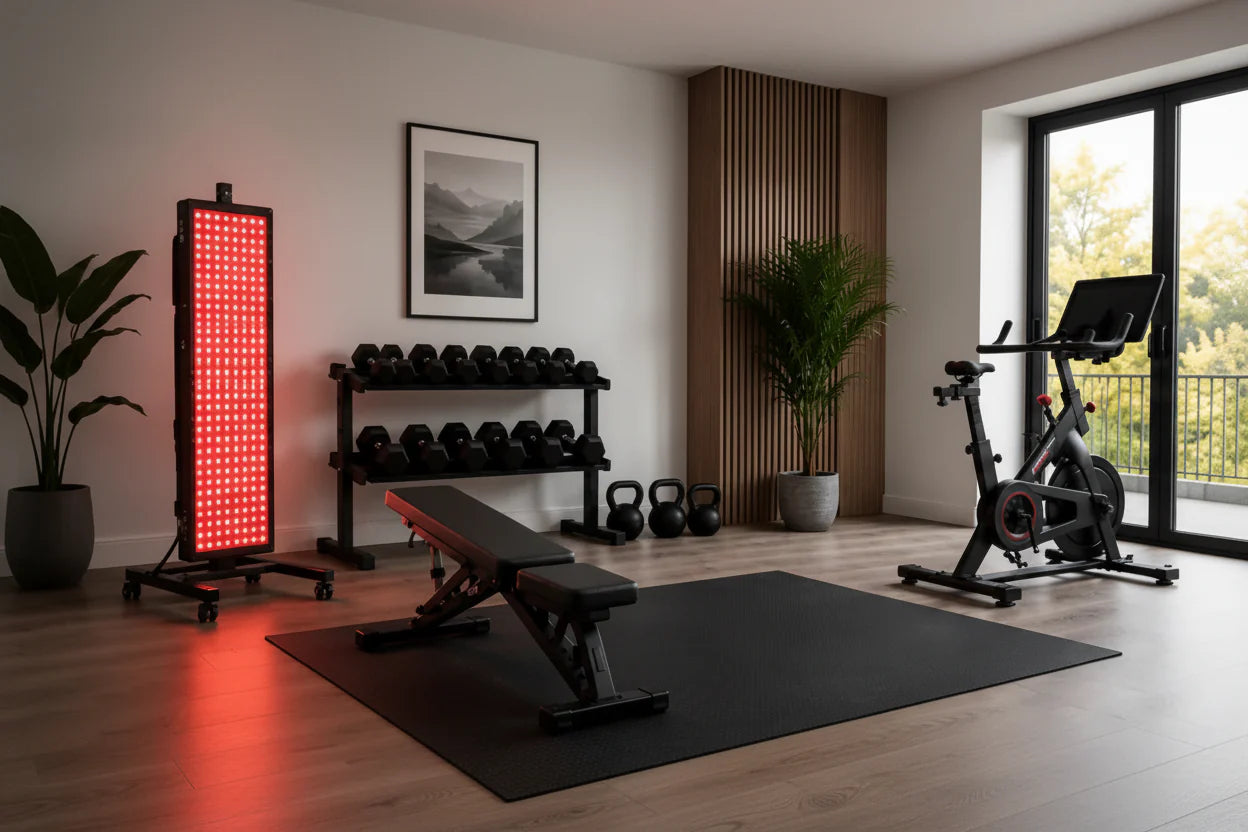
Placement shapes convenience immediately. A device that sits on a desk invites direct control. A panel that lives across the room creates a very different experience. Once you have to stand up, lean around furniture, or reposition yourself every time you want to change a setting, the routine starts to feel heavier.
That is why practical fit matters more than feature count. Some people only need a straightforward device they can tap and go. Others want to manage settings from a chair or from bed. If the controls feel natural in the exact place where you plan to use the device, daily use becomes much easier to sustain.
Are Touch Panels the Easiest Option for Quick Daily Sessions?
For many users, yes. A touch panel often feels clean and direct. You walk over, choose the mode, set the timer, and begin. There is no pairing process, no phone battery issue, and no extra screen pulling your attention away. In red light therapy, that simplicity can be a real advantage because consistency often matters more than excitement.
Touch panels make the most sense when the device is easy to reach and the routine is predictable. If you already know the settings you like and use the device in the same room each time, direct controls can feel refreshingly simple.
Why Touch Controls Feel Fast

A built-in interface keeps the session self-contained. That helps reduce small points of friction that seem minor on day one but become irritating by week three. Many people do not stop using a home device because they dislike the idea. They stop because one extra step feels unnecessary when they are tired.
Touch controls work especially well for people who prefer short sessions and a repeatable routine. They also suit users who want fewer digital distractions at night. If you already spend too much time on your phone, keeping the session off another screen can be a quiet benefit.
Where Touch Panels Lose Convenience
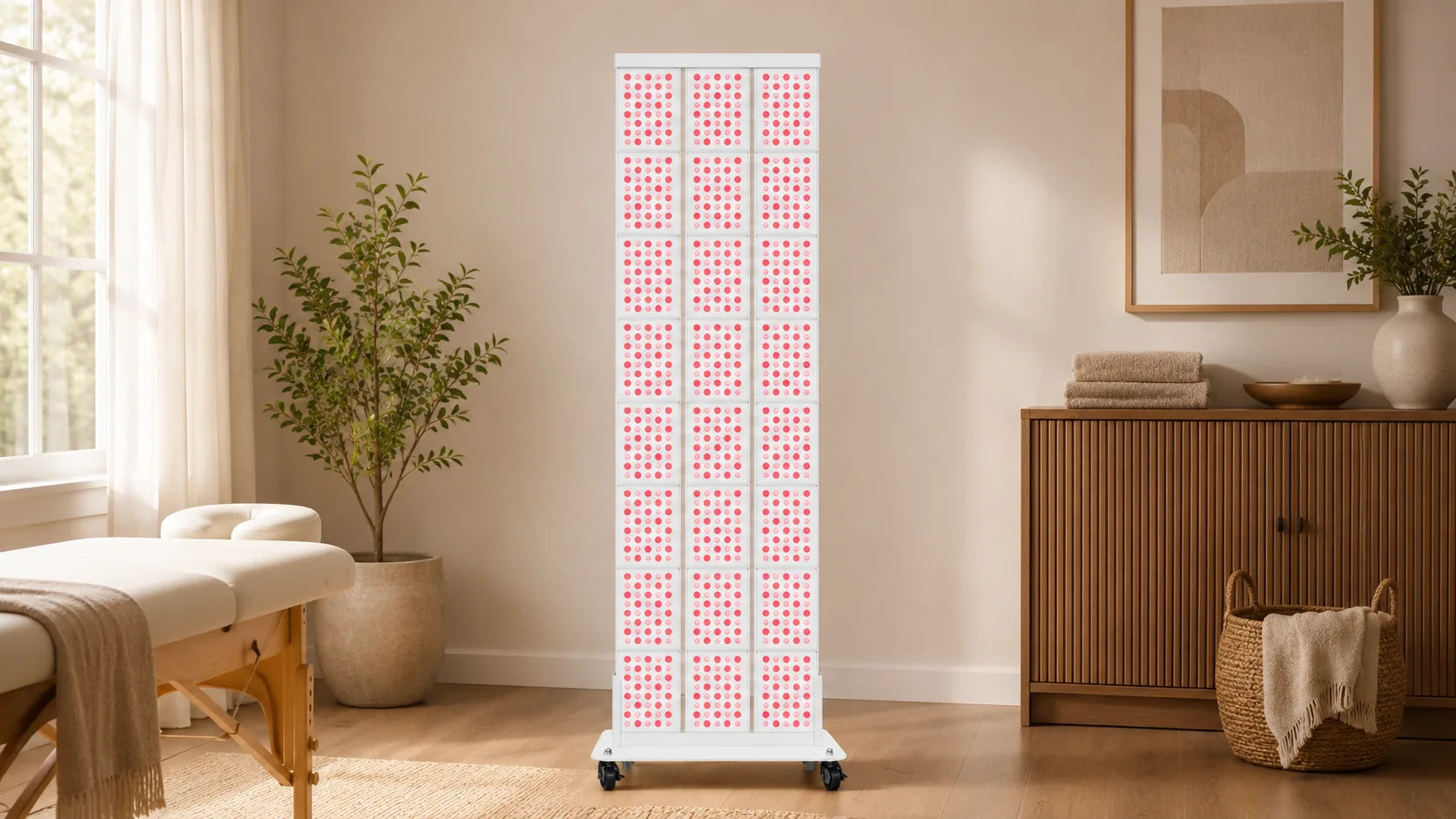
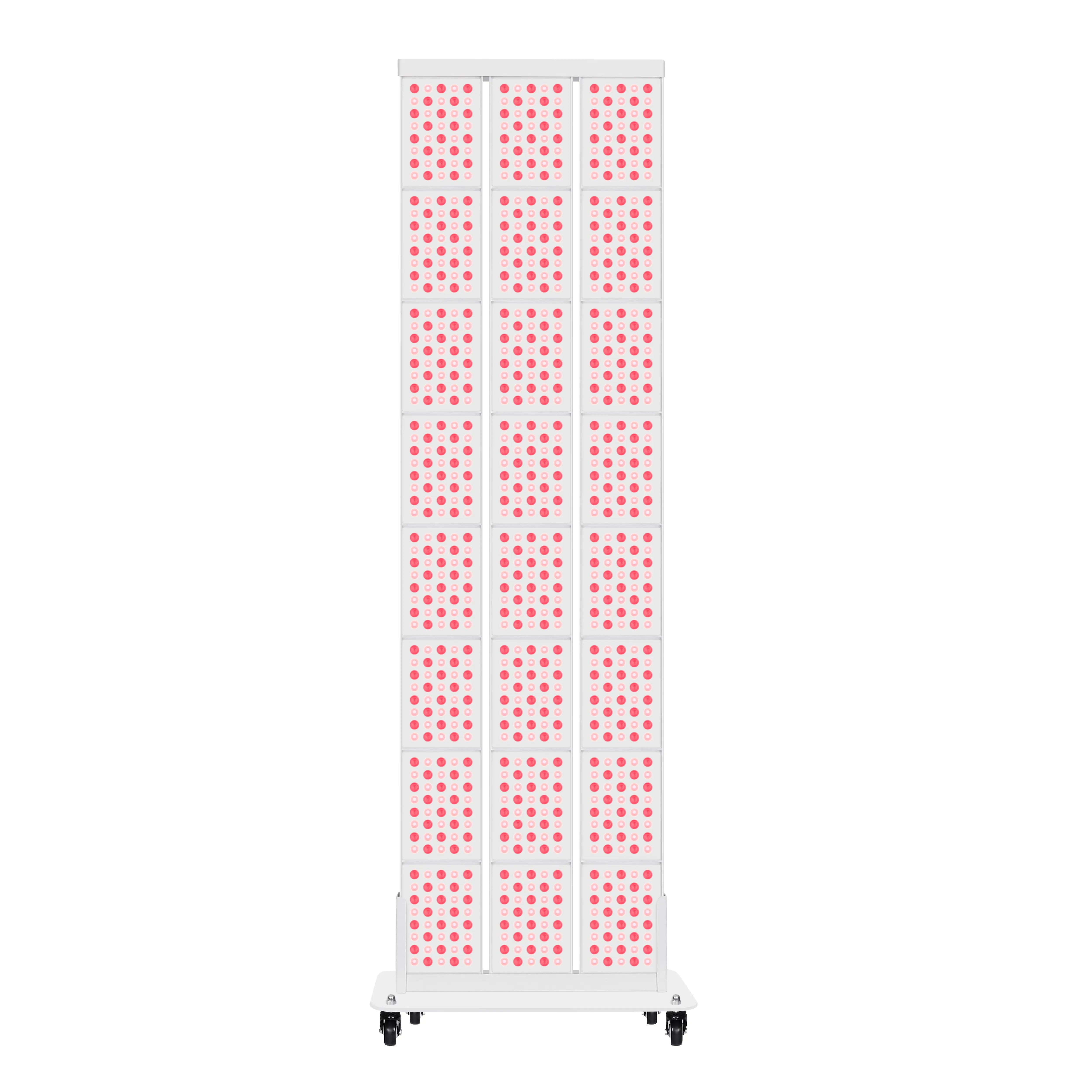
Touch panels become less convenient when the device is not within easy reach. A taller panel, a wall-mounted setup, or a unit positioned near the bed can make manual adjustments feel less graceful than they looked in product photos. That is where another control option starts to matter.
Direct controls also feel less ideal in shared setups. If two people use one device and prefer different timers or settings, repeated manual changes can feel tedious. In those situations, a smart control option may save time and reduce friction.
When Does App Control Make Home Red Light Therapy Devices More Practical?

App control works best when routine matters just as much as access. Some users want saved presets. Some want simple timer changes from across the room. Others like having a cleaner way to manage one device shared by multiple people. In those cases, app support can make at home red light therapy devices feel much easier to live with.
This is where convenience becomes more personal. An app is not automatically better than a touch panel. It simply solves a different problem. It helps when your body is already in position and you do not want to get up again. It also helps when you want consistency without re-entering settings every session.
Presets and Tracking Can Support Better Adherence
A saved routine removes hesitation. You open the app, choose your preset, and the session begins with minimal effort. That can help people stay more consistent because it reduces tiny decision points that quietly drain follow-through over time.
Tracking can also be useful for realistic self-checks. Many home users feel like they are being regular until they look back and realize they skipped several sessions. A simple log or usage record can make the pattern clearer. That kind of visibility does not create results by itself, though it can help people keep their habits honest.
Apps Do Not Solve Every Problem
App control can improve convenience, but it does not correct poor setup. Positioning still matters. Distance still matters. Product directions still matter. If a device requires eye protection or specific use instructions, the app does not replace that responsibility.
It also helps to keep expectations grounded. Regulatory language can confuse people because registration and clearance are not the same thing. A product can sound official in marketing and still require careful reading on the buyer’s side. The safest approach is simple. Read the instructions closely, use the product as directed, and do not assume that every marketing phrase means the same thing.
Is Voice Control Truly Useful, or Just an Extra Feature?
Voice control is helpful in the right room. It tends to make the most sense when your hands are busy, your device is out of easy reach, or you are already settled into a comfortable position. A bedside setup is the clearest example. Once you are lying down and ready to relax, the last thing you want is another small interruption.
Still, voice control is not universally useful. In some homes it feels seamless. In others it feels unnecessary. The feature earns its place only when it fits the real environment.
Rooms Where Voice Control Makes Sense
Bedrooms, living rooms, and recovery spaces are the strongest candidates. These are places where people often want to reduce movement and keep the session calm. If the device sits a few feet away, voice commands can make the whole experience feel smoother. Some smart panels from YouLumi, including models like the IRP010-H06T 320W, combine touchscreen, app, voice, and remote control for users who want more flexibility in bedrooms or living rooms.
When Voice Control Adds Very Little
Voice control may not be worth much in a loud house, a small apartment, or a shared room where speaking commands feels awkward. Some people also prefer a quiet routine before sleep and do not want technology talking back. In those settings, an app or touch interface may feel cleaner, more private, and easier to use consistently.
Choose the Control Style That Fits Your Routine and Makes Daily Use Easier
A good choice should feel easy to live with, not impressive only on paper. If the controls fit your room, your schedule, and your energy level at the end of a long day, you are far more likely to stay consistent. Touch panels suit quick sessions. App control helps with presets and shared use. Voice control works best in a few specific spaces. The right device is the one that feels natural enough to become part of everyday life.
FAQs about At-Home Red Light Therapy
Q1. How Often Should You Use an At-Home Red Light Therapy Device?
It depends on the device. Home red light therapy is not a one-time treatment, and the right schedule varies by product and indication. The safest plan is to follow the manufacturer’s frequency and session length exactly, then stay consistent over time.
Q2. How Long Does It Usually Take to See Results?
It usually takes time. Most people should expect weeks of regular use, not overnight change, and some users may not see meaningful improvement. Results vary with the device type, target concern, treatment schedule, and how closely the instructions are followed.
Q3. Is Red Light the Same as Near-Infrared Light?
No. Red light is visible, while near-infrared light is invisible and penetrates deeper. Many devices combine both because they interact with tissue differently. In practical terms, they are related tools, but they are not the same wavelength range.
Q4. Is Blue Light Better Than Red Light for Acne?
Yes, for some acne goals. Blue light is more closely associated with targeting acne-related bacteria near the skin’s surface, while red light is often used for inflammation and visible skin aging concerns. Some acne devices combine both for broader support.
Q5. Can You Overuse Red Light Therapy at Home?
Yes. Using it more often or longer than directed can raise the chance of temporary irritation or discomfort, even though short-term use is generally considered safe when instructions are followed. If redness, pain, or irritation persists, stop and reassess the setup.